+
What is
Verio
Verio answers one question: how much money will you have on
any given day – next month, in three months, or by the end of the
year?
+ Guided tour
New to
Verio? Tap the '?' button for a hands-on guided tour
of the app – built on sample data, so you can see exactly what it
does and how, before entering a single transaction of your own.
+ Look ahead, not just back
Most finance apps show you what you already spent.
Verio
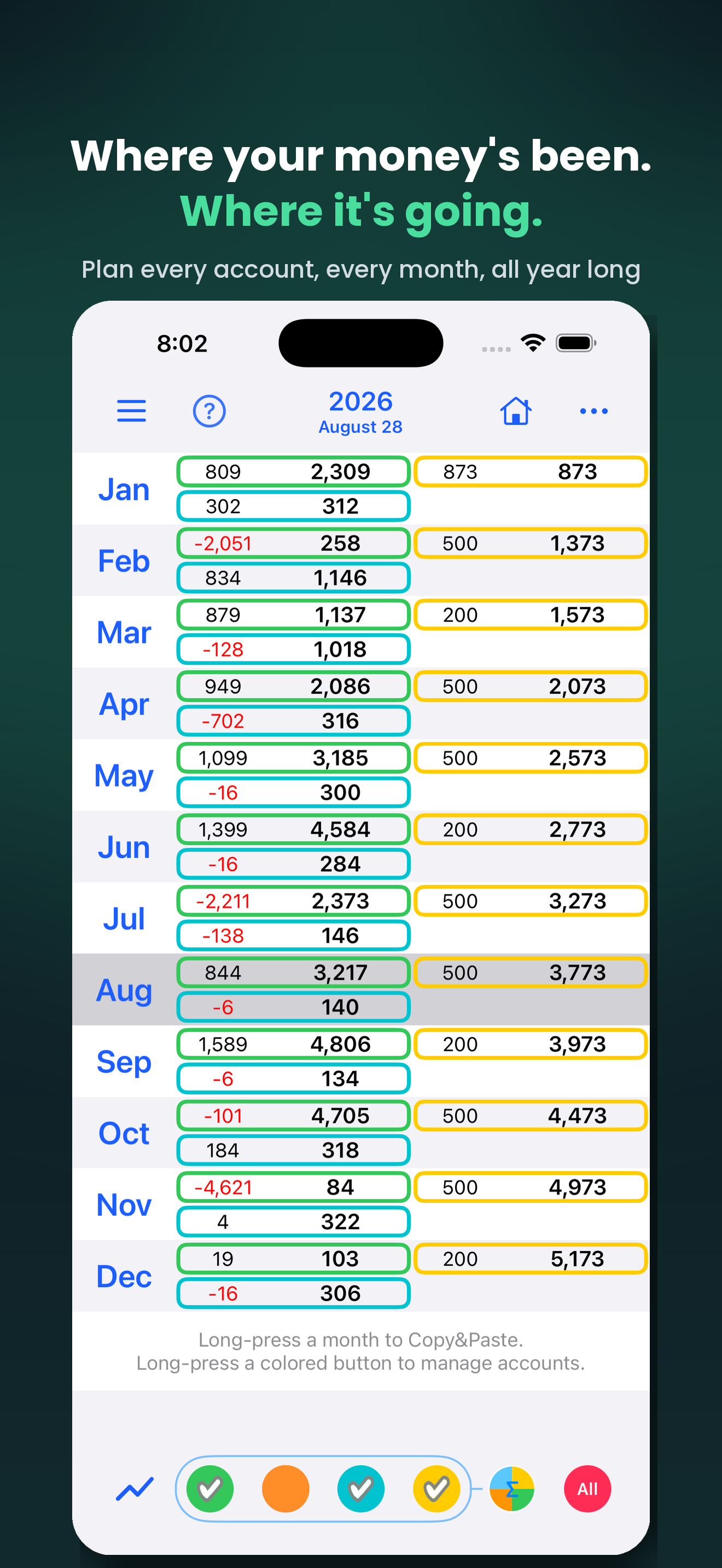
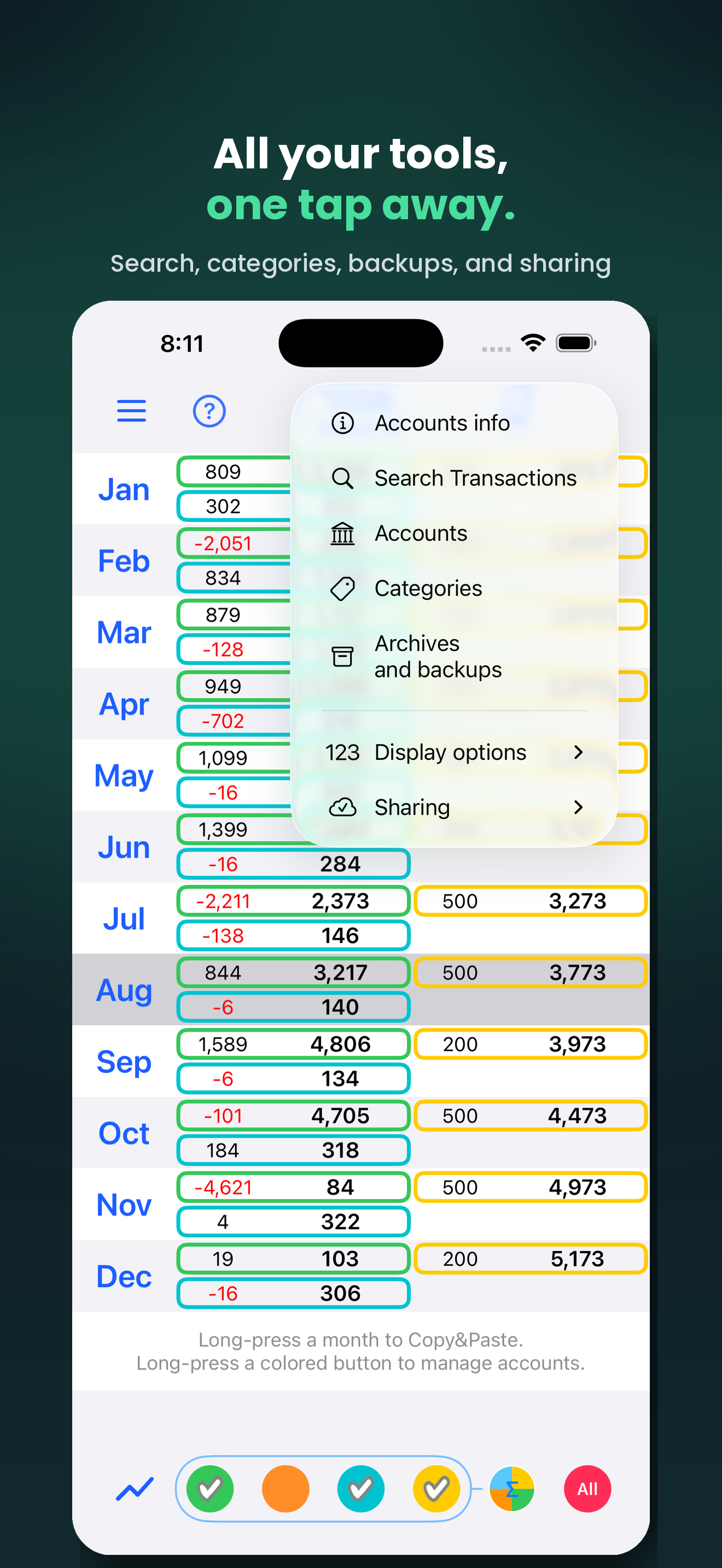
shows you what's coming: a rolling, forward-looking budget built
from the transactions you already know about – salary, rent,
bills, subscriptions, planned expenses. Jump to any month or the
whole year and see your projected balance, instantly.
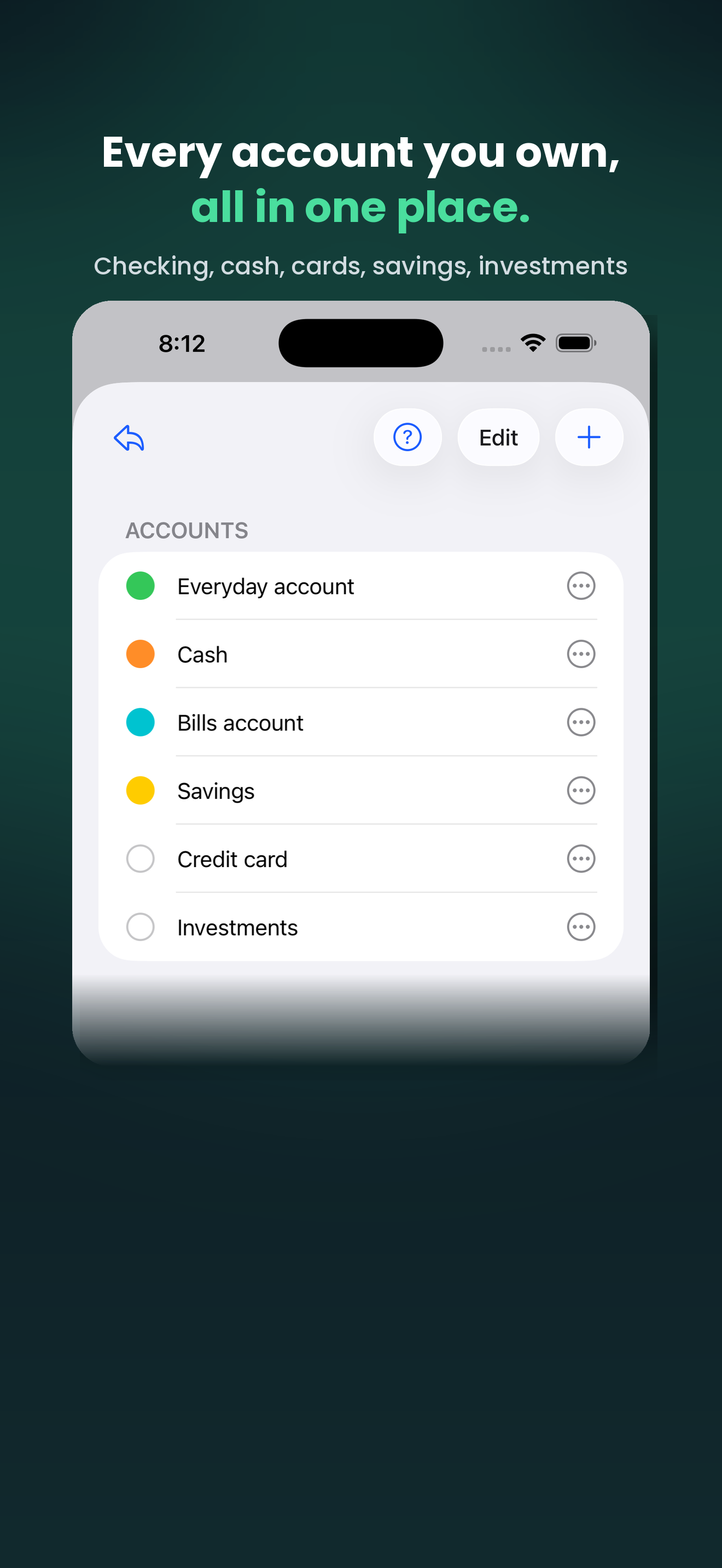
+ Start with your accounts
Name the accounts you actually use – checking account, cash,
credit card, savings – up to 20 of them, with your favorites
pinned for quick access. Every transaction can move any account
you track.
+ Add what you already know
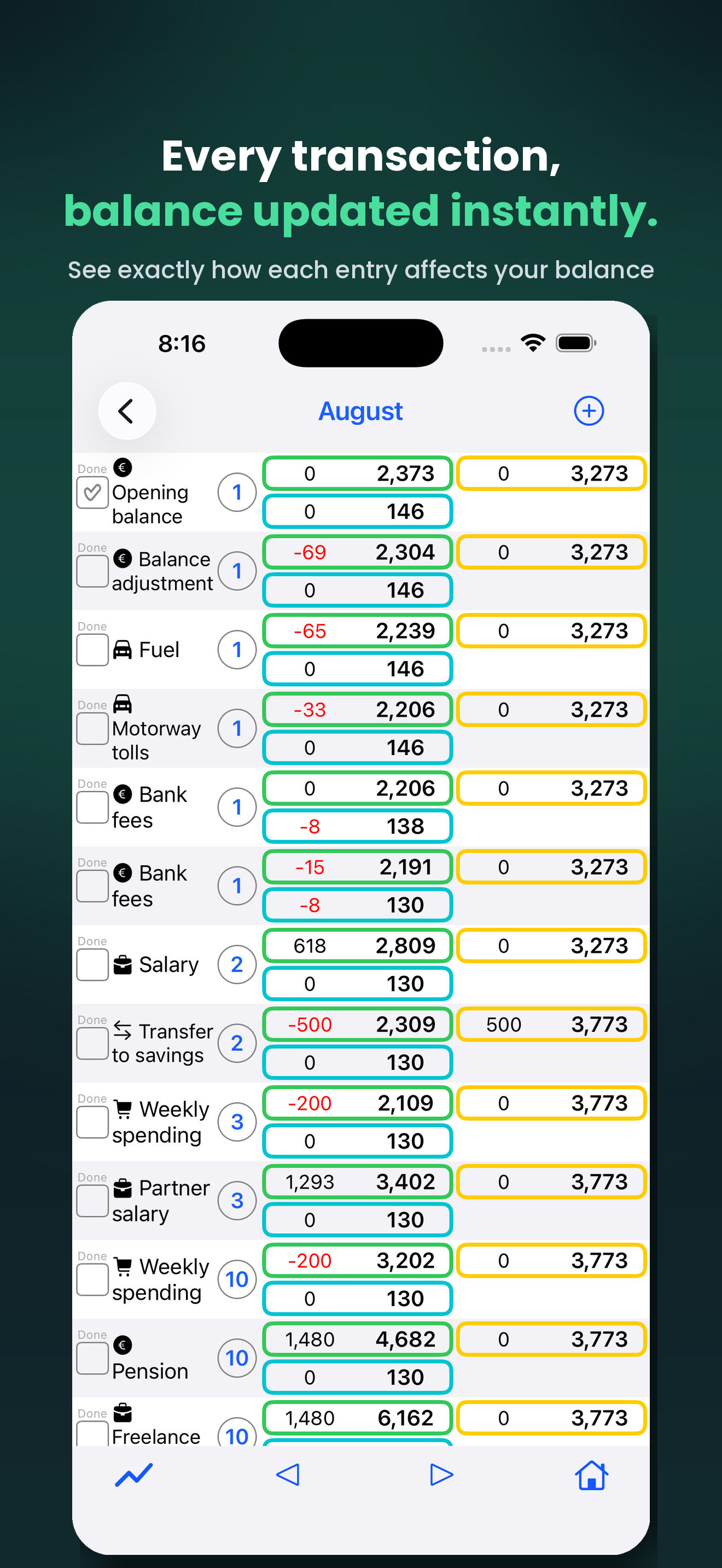
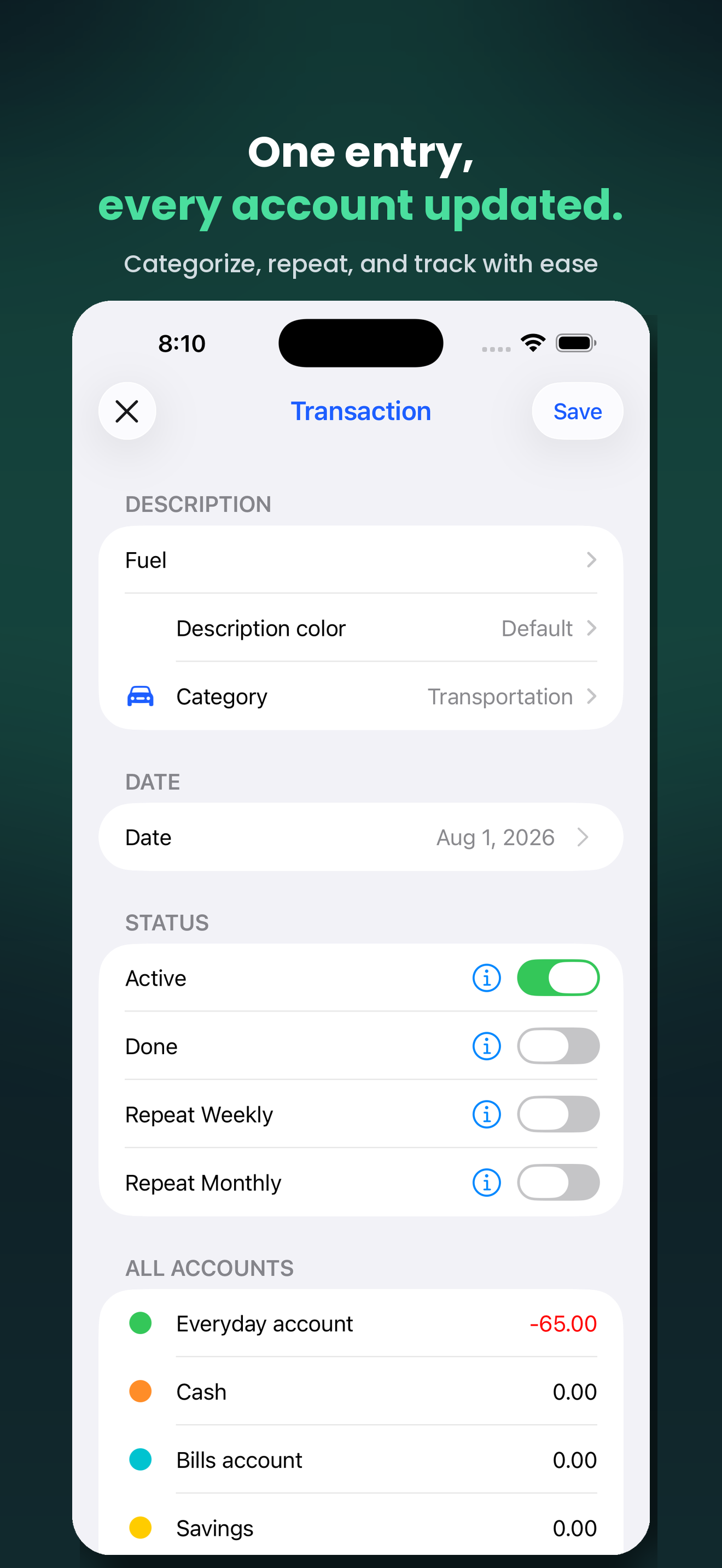
Give each transaction a date, a description, a category and an
amount – income or expense. Mark it 'Done' once it happens, or
leave it planned so you always see, at a glance, what's already
settled and what's still ahead.
+ See where your money goes
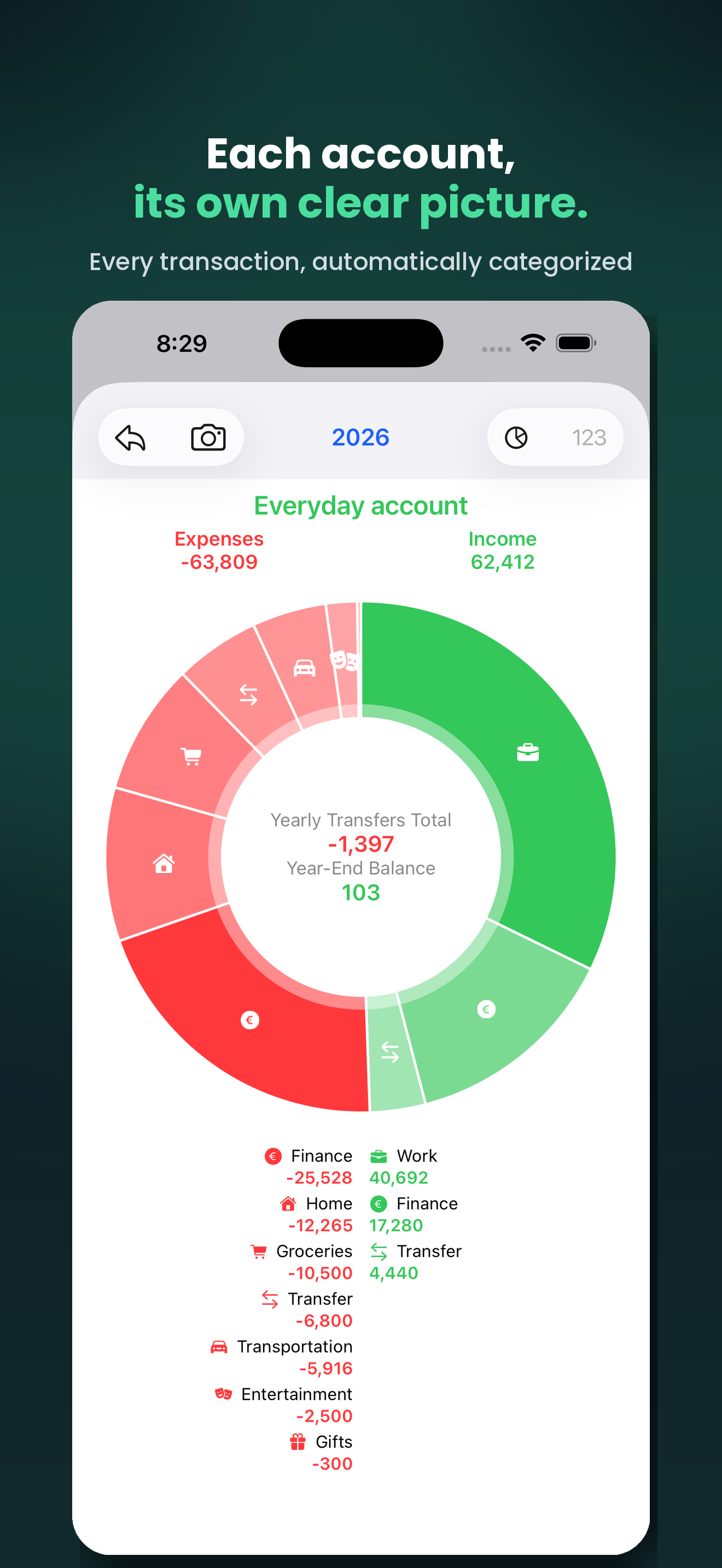
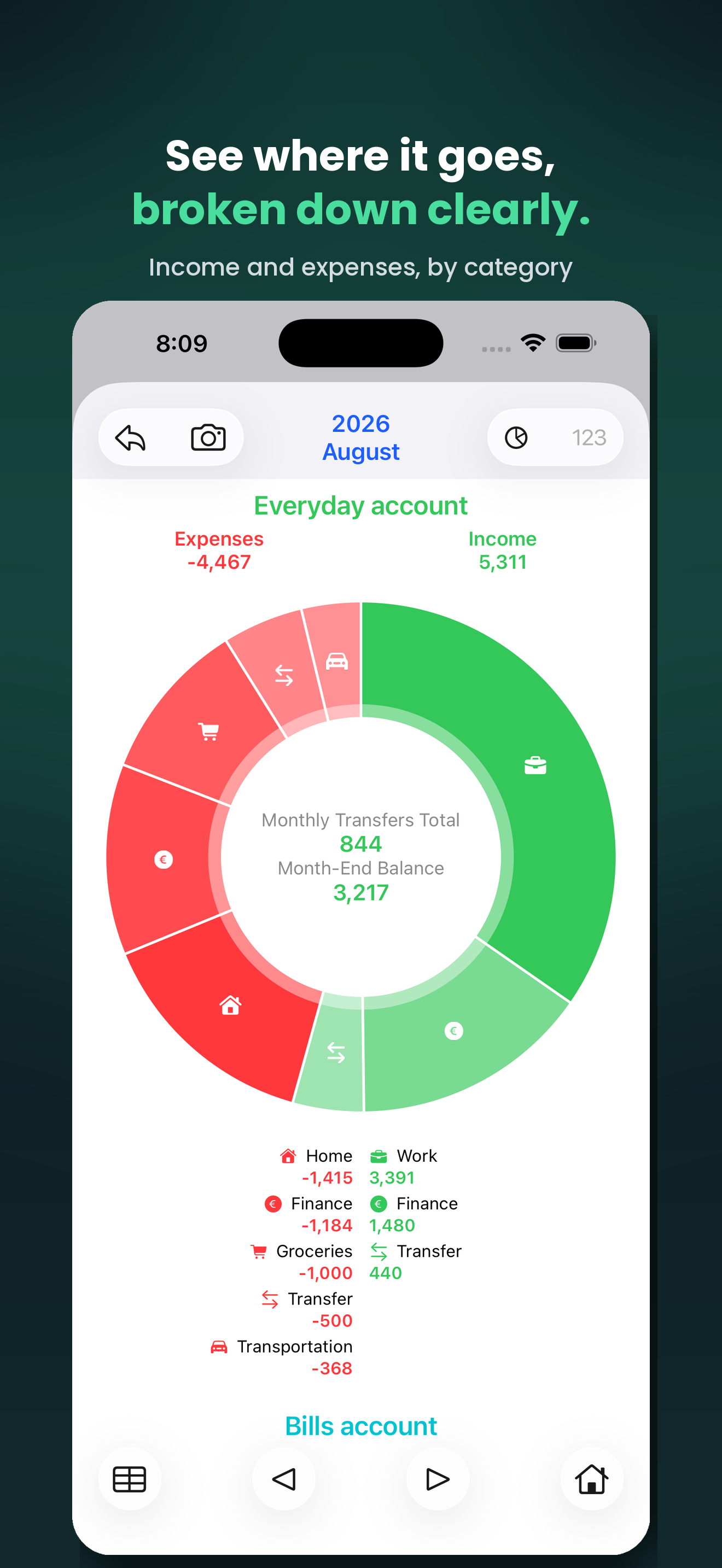
Give any transaction a category – each with its own icon shape –
and
Verio turns them into a pie chart: see at a glance, for
any month or the whole year, where your money is coming from and
where it's going, for one account or all of them combined. Tap a
slice to see exactly which transactions make it up, or jump
straight into a category-filtered search from there.
+ Try a scenario
Wondering what happens if you skip a purchase, or an expense gets
postponed? Toggle any transaction on or off and watch your future
balance update – without losing your plan. Recurring costs and
income can repeat weekly or monthly automatically.
+ See the trend
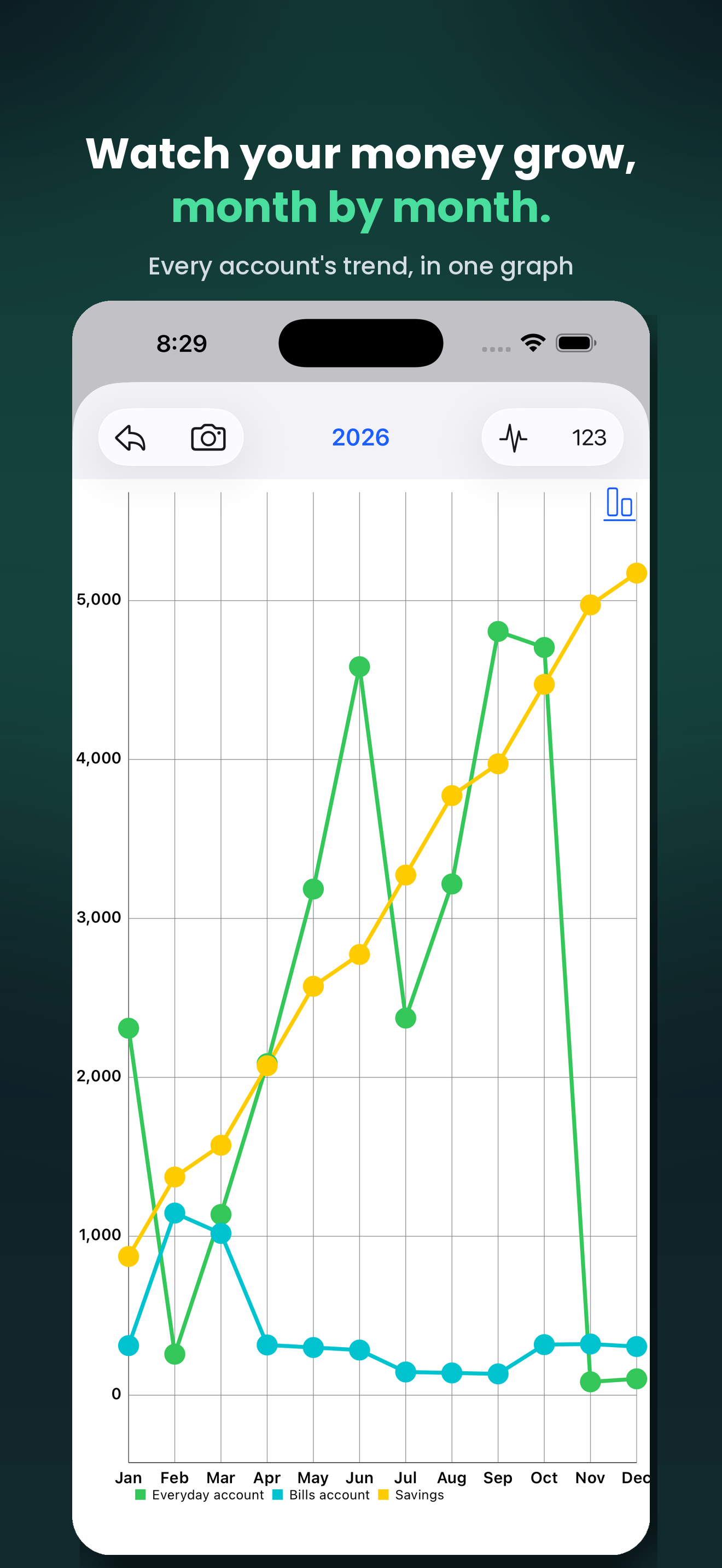
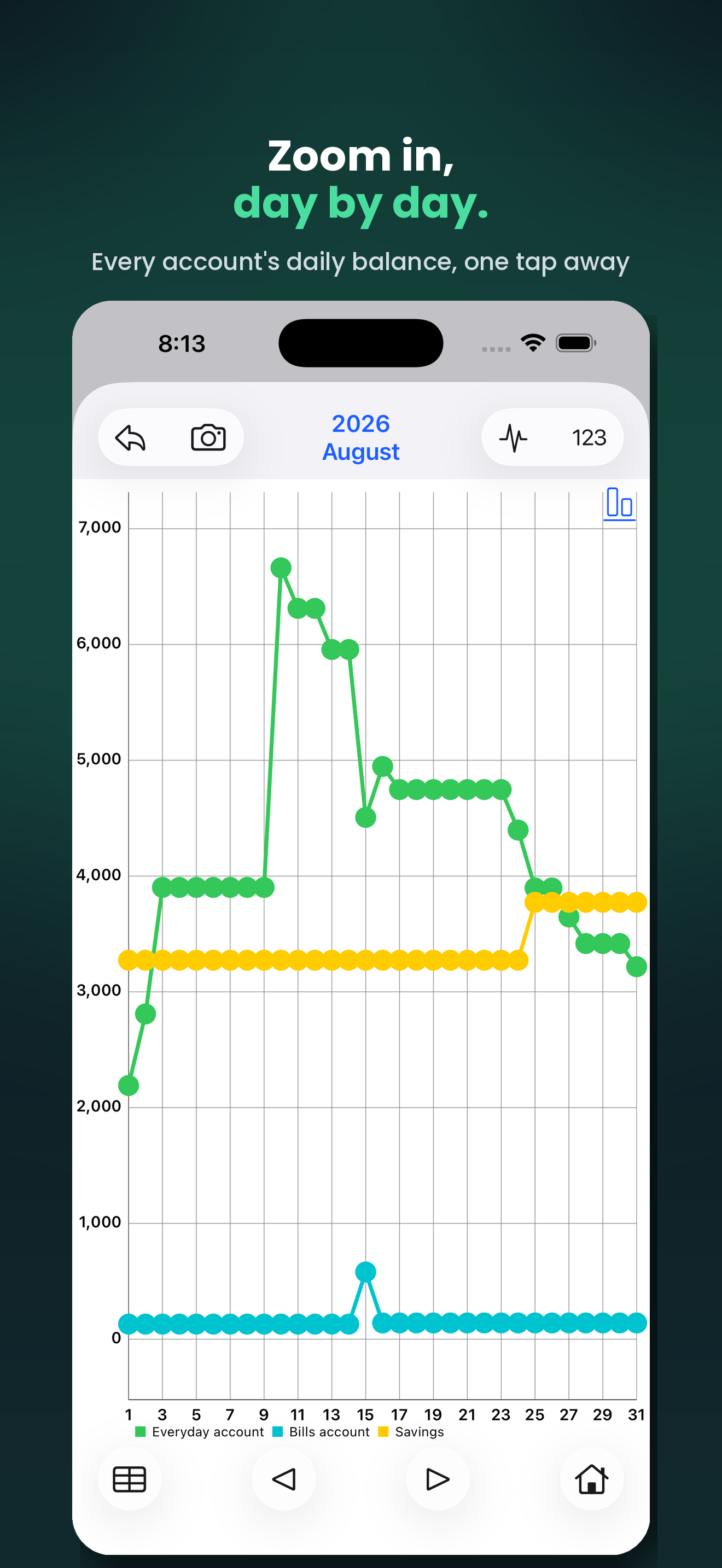
Line and bar charts track every account's balance over the year
or any single month, each in its own color. Tap a point on the
chart to see exactly which transactions make up that day.
+ Find anything, fast
Search across all your transactions – by text or by category –
and jump straight to the one you need.
+ Verio is universal
Verio is a universal app for iPhone, iPad and Mac. With
your Apple ID, everything syncs automatically via iCloud – pause
it anytime from Sharing settings. Protect access with Face ID,
Touch ID or a passcode. Save and reload entire years to keep a
permanent archive of your finances.
+ Export & import your data
Back up or edit an entire year outside iCloud: export it as a set
of editable spreadsheet files (Transactions, Accounts,
Categories), tweak it in Excel or Numbers, and import it back
whenever you like.
+ Every detail, under control
Choose how amounts are displayed – 0, 1 or 2 decimals – and how
negative numbers look, with a sign or in parentheses; your data is
always stored to the cent, however you choose to view it. Edit,
copy, cut, paste or delete any transaction, or even an entire
month, from its context menu (long-press on iPhone/iPad,
right-click or Control-click on Mac).
+ Verio is freemium
Use
Verio for free, with a limit on how many transactions
you can add per year. Remove the limit anytime – with a one-time
purchase or a subscription, whichever suits you.
Top⇧